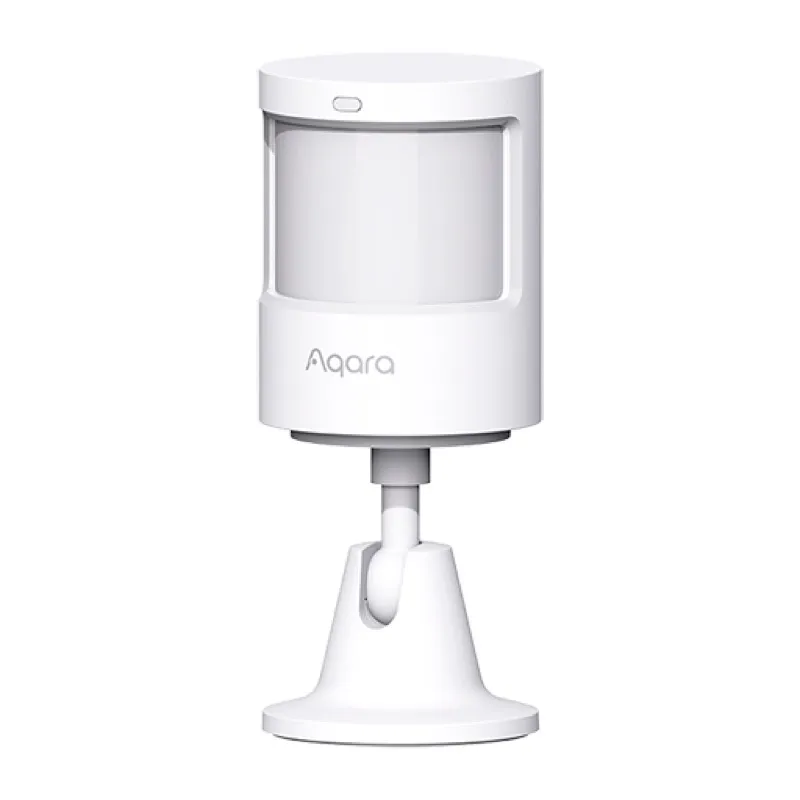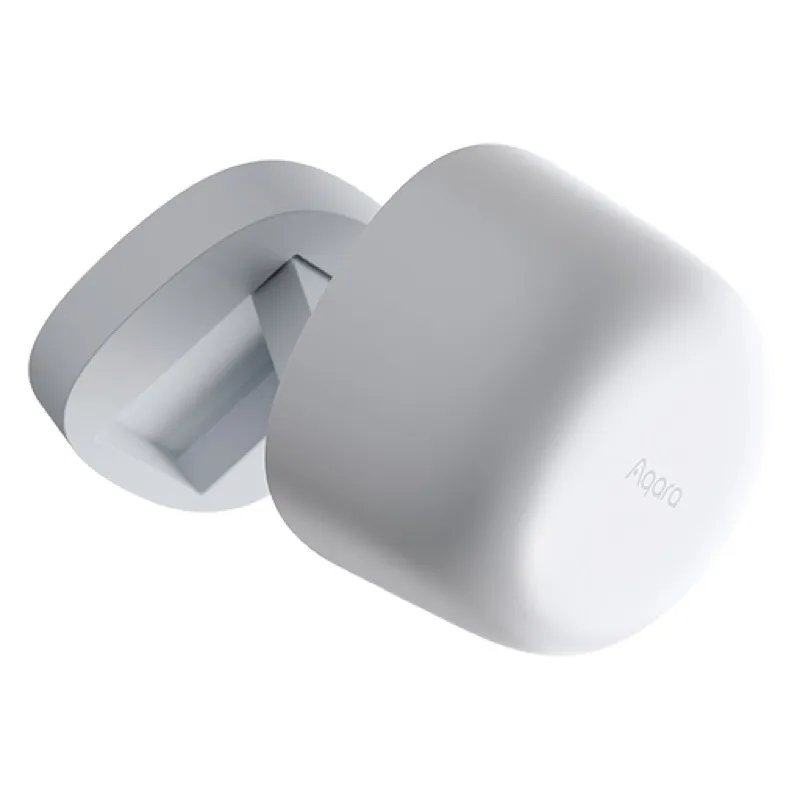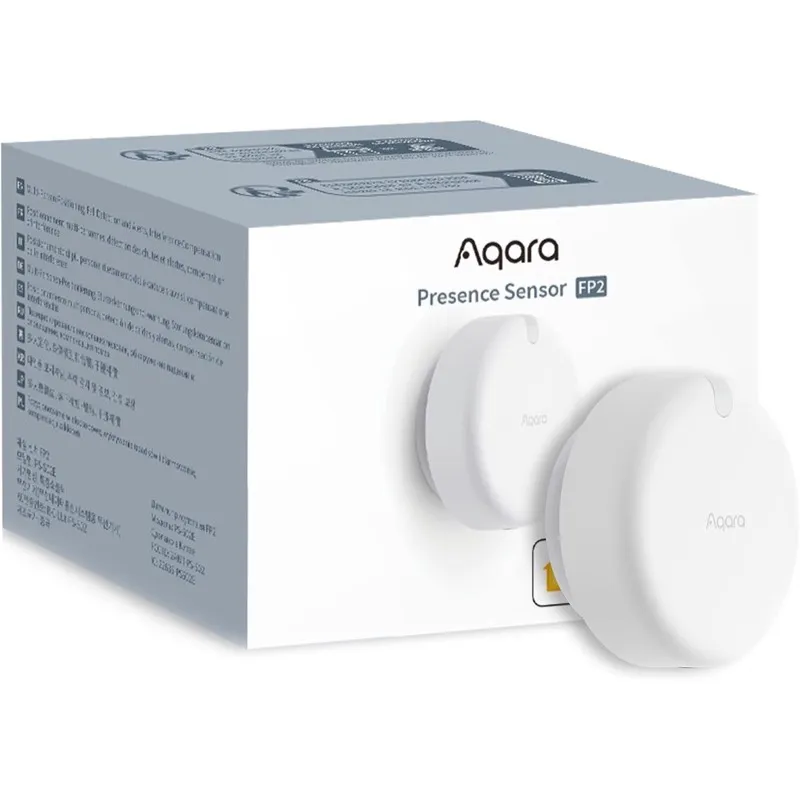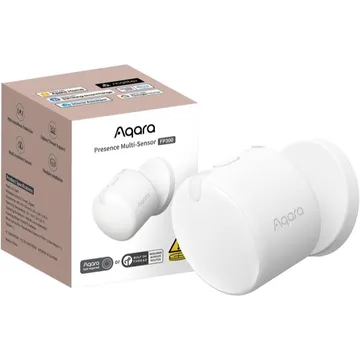
Aqara Presence Multi-Sensor FP300
Runs on Thread and Matter with Hubitat, or Zigbee through Zigbee2MQTT. It also reports light, temperature and humidity; Thread needs a border router.
Works with


Features
Features by hub: support differs between Apple Home, Home Assistant and others.
About
A battery-powered presence sensor combining mmWave radar with PIR, plus light, temperature and humidity sensors. It runs either Thread (Matter, no Aqara hub) or Zigbee (Aqara hub, or Zigbee2MQTT directly).
Pairing
About 2 minutes. Put the device into pairing mode first, then add it to your hub.
- Hold the reset button for 5 seconds to reset network settings and enter pairing mode; press it 10 times quickly for a full factory reset, which is usually needed when switching a unit out of Thread mode.
- In Hubitat, open Devices and choose Add device.
- Pick Matter, then start the scan.
- Enter the pairing code, then name the device.
- Hold the reset button for 5 seconds to reset network settings and enter pairing mode; press it 10 times quickly for a full factory reset, which is usually needed when switching a unit out of Thread mode.
- Open the Zigbee2MQTT frontend and turn on Permit join for the coordinator.
- Wait for the device to appear in the Devices list.
- Rename it and assign it to a room.
Certifications
- CSA · Matterpresence-multi-sensor-fp300
- CSA · Matterpresence-multi-sensor-fp300-2 (OTA Requestor variant)
- DCL · Mattervid 4447 / pid 8197 / part AS077