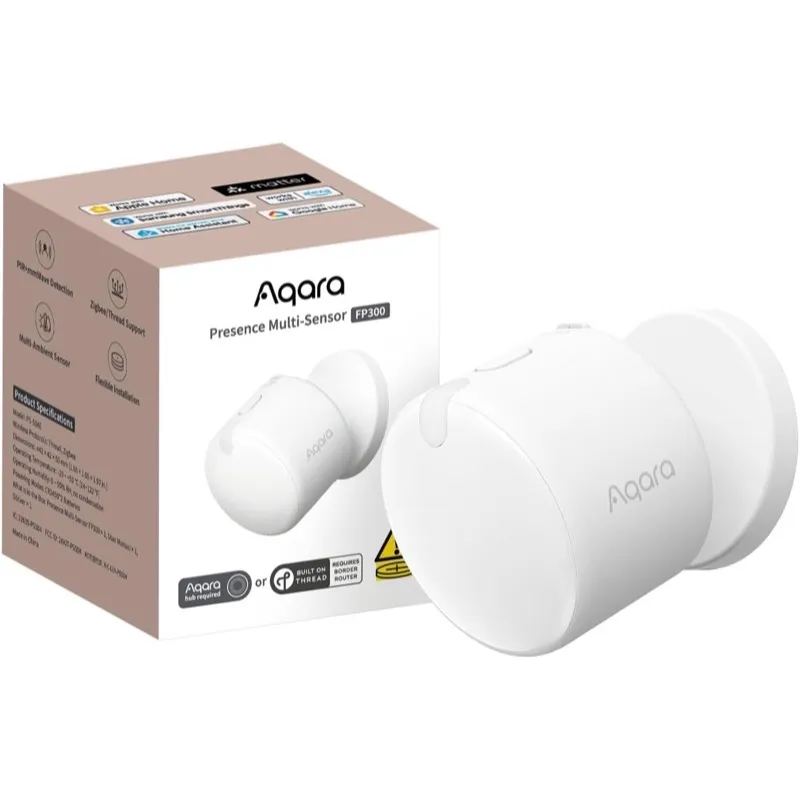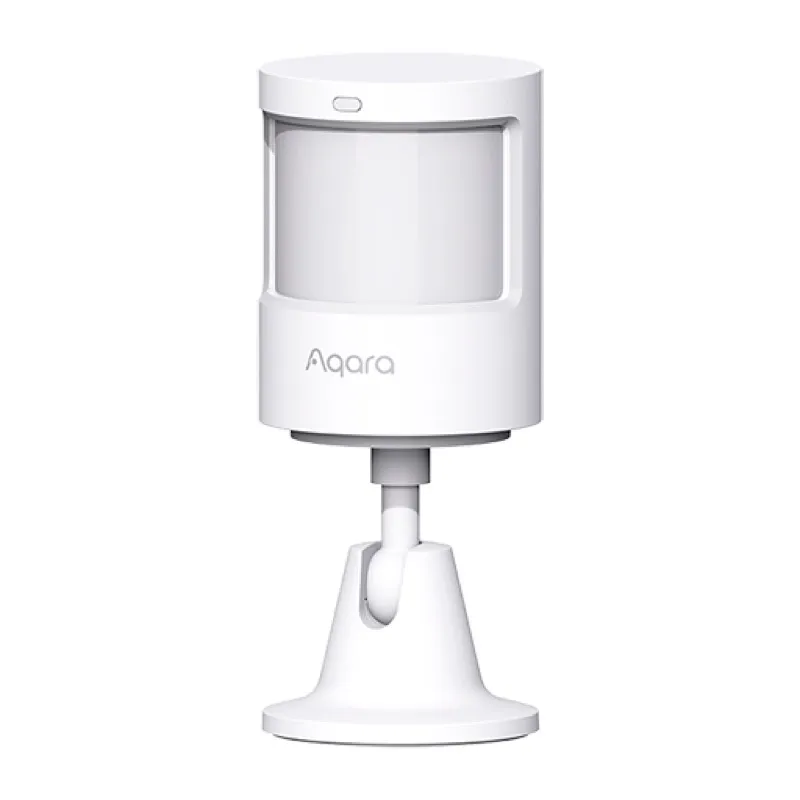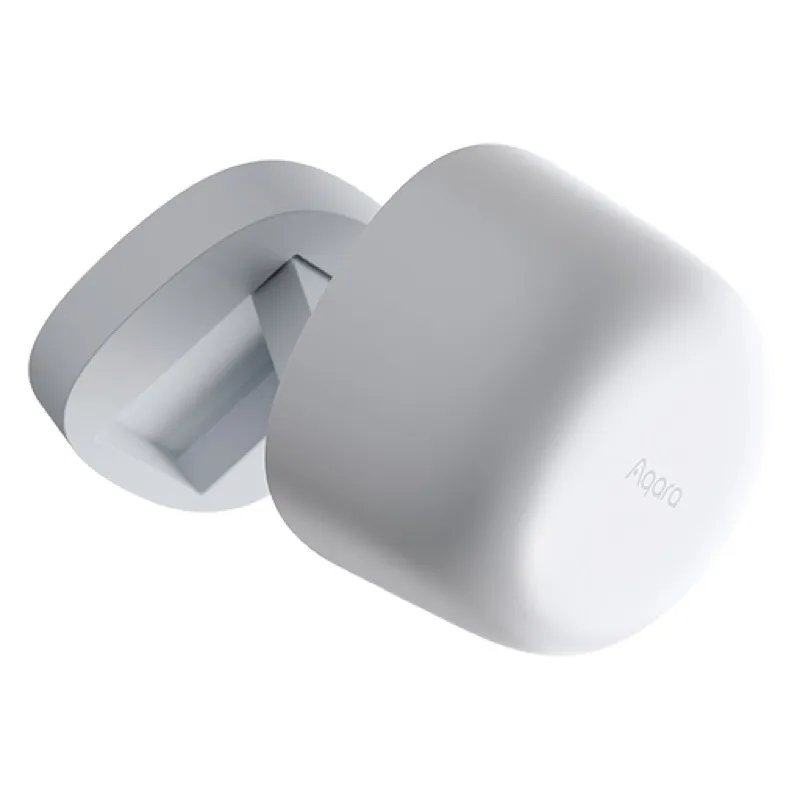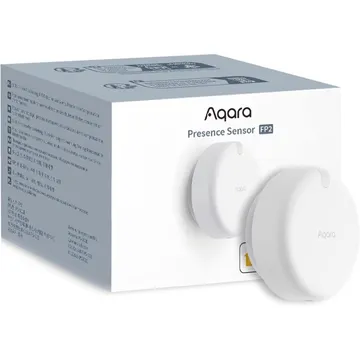
Aqara Presence Sensor FP2
A Wi-Fi presence sensor that works with Apple Home and Home Assistant over HomeKit, and with Alexa and Google Home through the Aqara app. It runs on USB power.
Works with


Features
Features by hub: support differs between Apple Home, Home Assistant and others.
About
A Wi-Fi mmWave presence sensor with a built-in light sensor. It splits a room into up to 30 zones and tracks up to five people, though accuracy holds best at three or fewer. Fall detection needs ceiling mounting and disables zone positioning and presence sensing while it is on. The Amazon listing says it needs continuous 5 V USB power; the adapter is not included.
Pairing
About 2 minutes. Add the device in the app or web interface for your hub.
- Open the Home app, tap +, then Add accessory.
- Scan the HomeKit code on the device or in its app, or enter it by hand.
- Pick a room and give the device a name.
- Go to Settings → Devices & services and choose Add integration.
- Search for HomeKit Controller and enter the code from the device or its app.
- Assign the device to an area.
- Open the Google Home app, tap +, then Set up device.
- Choose Works with Google Home and find the brand.
- Sign in, pick the device, then choose its room.
- Open the Alexa app, go to Devices, then tap +.
- Choose Add device and pick the brand, or enable its skill.
- Let discovery run, then add the device to a group.