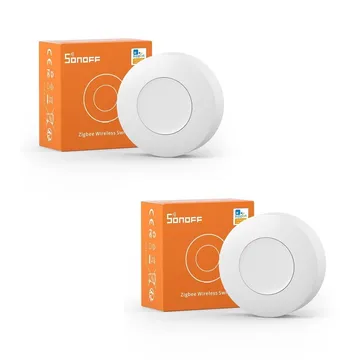
SONOFF SNZB-01P Zigbee Wireless Button
A Zigbee 3.0 battery button with single, double and long press. Pairs with Zigbee2MQTT and ZHA; Alexa Routines need a SONOFF Zigbee hub in the path.
Works with


Features
Features by hub: support differs between Apple Home, Home Assistant and others.
Actions
Button presses and controls that trigger automations on this device.
- Single
- Double
- Hold
About
A CR2477-powered button that sends single, double and long press events over Zigbee 3.0. It is sold as a two-pack and pairs with any Zigbee 3.0 coordinator.
Pairing
About 2 minutes. Put the device into pairing mode first, then add it to your hub.
- Hold the reset button for 5 s with the back cover off
- Go to Settings → Devices & services and open the ZHA integration.
- Choose Add device to start the scan.
- Pick the device when it appears, then assign it to an area.
- Hold the reset button for 5 s with the back cover off
- Open the Zigbee2MQTT frontend and turn on Permit join for the coordinator.
- Wait for the device to appear in the Devices list.
- Rename it and assign it to a room.