Third Reality ZigBee Smart Button
Zigbee 3.0 button that pairs with SmartThings, Hubitat, Home Assistant, Aeotec and the Third Reality hub; Apple Home needs the MZ1 bridge.
Works with


Features
Features by hub: support differs between Apple Home, Home Assistant and others.
About
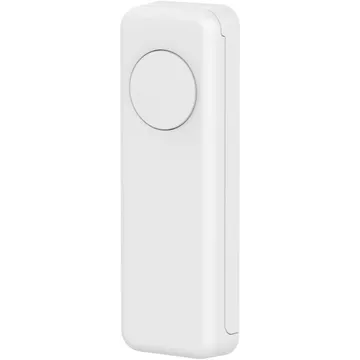
A battery-powered Zigbee 3.0 button with three gestures — press, double press and hold — mounted by tape or magnet. Needs a Zigbee hub; Apple Home only through the separate Smart Bridge MZ1.
Pairing
About 2 minutes. Add the device in the app or web interface for your hub.
- Open SmartThings, tap +, then Add device.
- Choose Scan nearby to start the search.
- Pick a room and give the device a name.
- In Hubitat, open Devices and choose Add device.
- Pick Zigbee, then Start Zigbee pairing.
- Name the device and choose a room once it is found.
- Open the SmartThings app, tap +, then Add device.
- Choose Scan nearby to start the search.
- Pick a room and give the device a name.
- Open the Third Reality app and choose Add device.
- Pick the device type and follow the app’s prompt.
- Give the device a name and choose a room.
- Go to Settings → Devices & services and open the ZHA integration.
- Choose Add device to start the scan.
- Pick the device when it appears, then assign it to an area.